Where do the missing gigabytes on a new drive go?
A one-terabyte drive, and the system reports 931 gigabytes. The manufacturer counts a gigabyte as a billion bytes, the system counts it as 2³⁰, and the system's division mark is 7.4 % longer. The gap is constant, it can be calculated, and it grows with capacity.
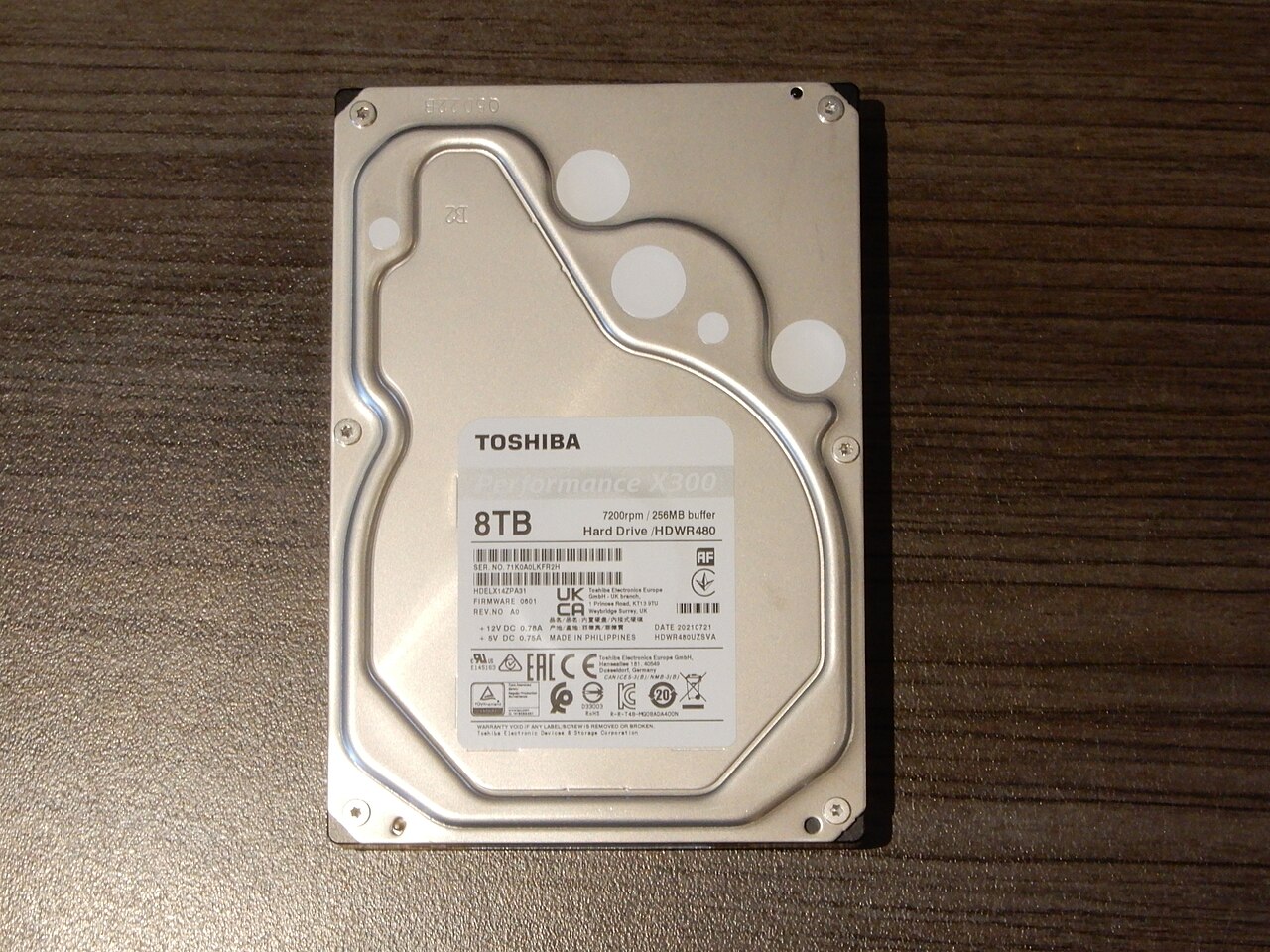
A new one-terabyte drive — spinning or solid-state, it makes no difference here. You put it in the computer, open the properties and see 931 gigabytes. Sixty-nine of them went somewhere before you wrote your first file.
The first thought is that the manufacturer rounded in its own favour. The second is that the housekeeping structures took the space. One sounds like fraud, the other is nearly right but does not explain the scale: 69 gigabytes of overhead on an empty drive does not happen. Both guesses miss by a single step, because the discrepancy arises earlier — in the fact that the word “gigabyte” means two different numbers to the manufacturer and to the system.
One prefix, two meanings
NIST puts it without diplomacy: “Today ‘everybody’ does not ‘know’ what a megabyte is… most manufacturers use megabyte to mean 2²⁰ = 1 048 576 bytes” — while the makers of storage devices mean exactly a million by the same word.
This is not a split between the honest and the dishonest but between two industries, each of them consistent within itself. Memory is addressed in binary, so its natural step is a power of two. Drives are sold by capacity, so their step is a power of ten. One word covers both.
So that the two meanings can be told apart in writing, the binary ones have names of their own. NIST sets them out in a table; the first two letters match the decimal prefix, and after that the names part company:
| Multiplier | Name | Symbol | Value |
|---|---|---|---|
| 2¹⁰ | kibi | Ki | 1 024 |
| 2²⁰ | mebi | Mi | 1 048 576 |
| 2³⁰ | gibi | Gi | 1 073 741 824 |
| 2⁴⁰ | tebi | Ti | 1 099 511 627 776 |
The third row is your case: the proper name for what the system shows is not a gigabyte but a gibibyte. The system writes “GB” and counts GiB.
The gap widens at every rung
At the kilobyte the discrepancy comes to 2.4 %, which nobody has ever noticed. At the megabyte it is already 4.9 %, at the gigabyte 7.4 %, because the rungs multiply into one another.
Next in the table comes the tebibyte, and there the gap is already close to a tenth:
10¹² ÷ 2⁴⁰ = 1 000 000 000 000 ÷ 1 099 511 627 776 = 0.909
The manufacturer's terabyte is 0.909 of the system's tebibyte. Those same 69 gigabytes come out of the same division, one rung lower:
10¹² ÷ 1 073 741 824 = 931.32
Exactly the number on screen. Nothing vanished: 931 gibibytes are that very terabyte under a different unit.
A check that takes a minute
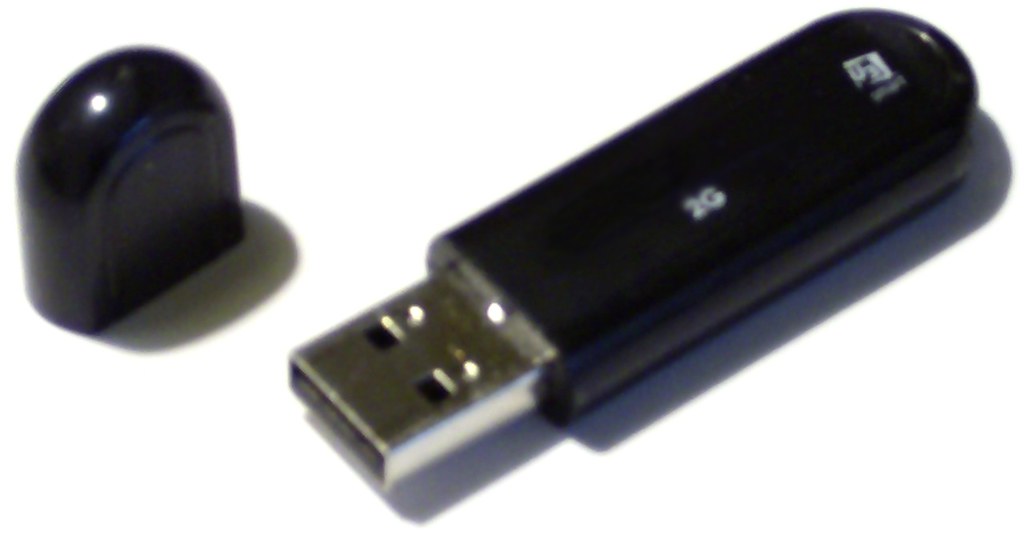
Take any drive or memory stick you own and multiply the figure from the box by 0.909; out comes what the system will show. For a gigabyte-sized stick the multiplier is 0.931, for a megabyte-sized file 0.954. The agreement is exact to the first decimal, and once the number matches there is no missing space left to look for.
The same mismatch works in the other direction too. An internet provider counts speed in decimal megabits while the browser reports a download in mebibytes per second — and there a division by eight is piled on top of the difference between the two counting systems.
The rest went to something else
This arithmetic accounts for the constant part of the gap, and it accounts for it exactly, down to the last byte. What it does not account for is the whole gap on a real device.
On a phone or a laptop that arrives with the operating system already installed, part of the capacity is taken by the system itself, and that is a separate loss with a separate cause. An SSD adds the controller's own reserve on top, which is not shown anywhere at all.
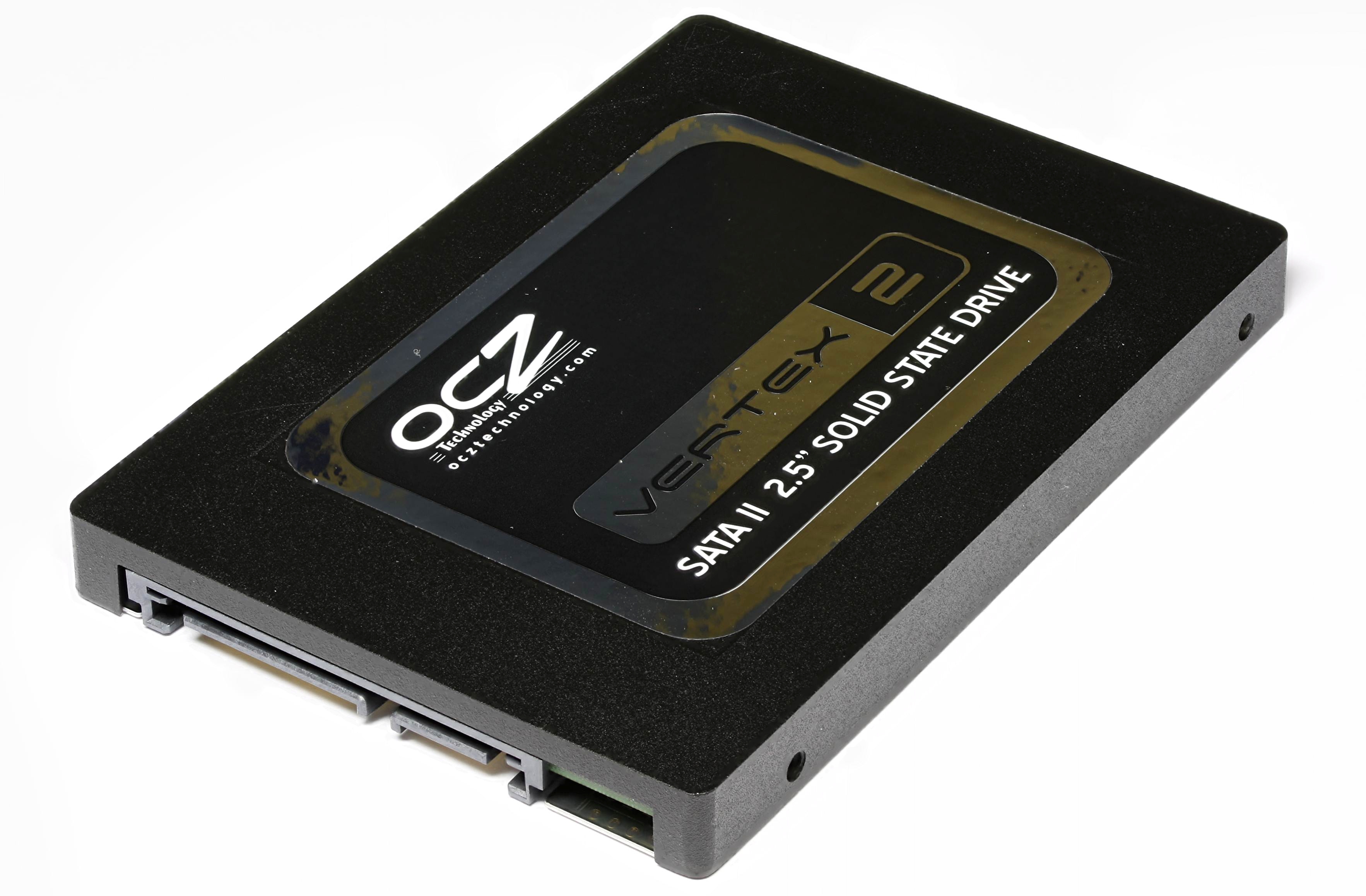
Neither quantity follows from any table of prefixes. Both depend on the model and the firmware, and on how much room the system was taking up on the day of sale.
Hence a simple rule: if your terabyte drive shows 931 GB, that is units of measure and there is nothing to ask about. If it shows 880, something else ate the rest, and that something is no longer a question of arithmetic.
The sources this article was written from
- NIST, Prefixes for binary multiples — the table of binary prefixes set against the decimal ones; verbatim: «Today "everybody" does not "know" what a megabyte is… most manufacturers use megabyte to mean 2²⁰ = 1 048 576 bytes, but manufacturers of computer storage devices usually use the term to mean 1 000 000 bytes»
NIST Reference on Constants, Units and Uncertainty — https://physics.nist.gov/cuu/Units/binary.html - NIST Special Publication 811, the section on binary multiples
NIST SP 811 (2008) — https://nvlpubs.nist.gov/nistpubs/Legacy/SP/nistspecialpublication811e2008.pdf