Why is a laptop fast only for the first few minutes?
For the first seconds a laptop is allowed to draw almost four times the wattage it can hold indefinitely. The move between the two power ceilings is counted in energy already spent rather than in degrees, and it is governed by Tau — not a timer but an averaging rate.
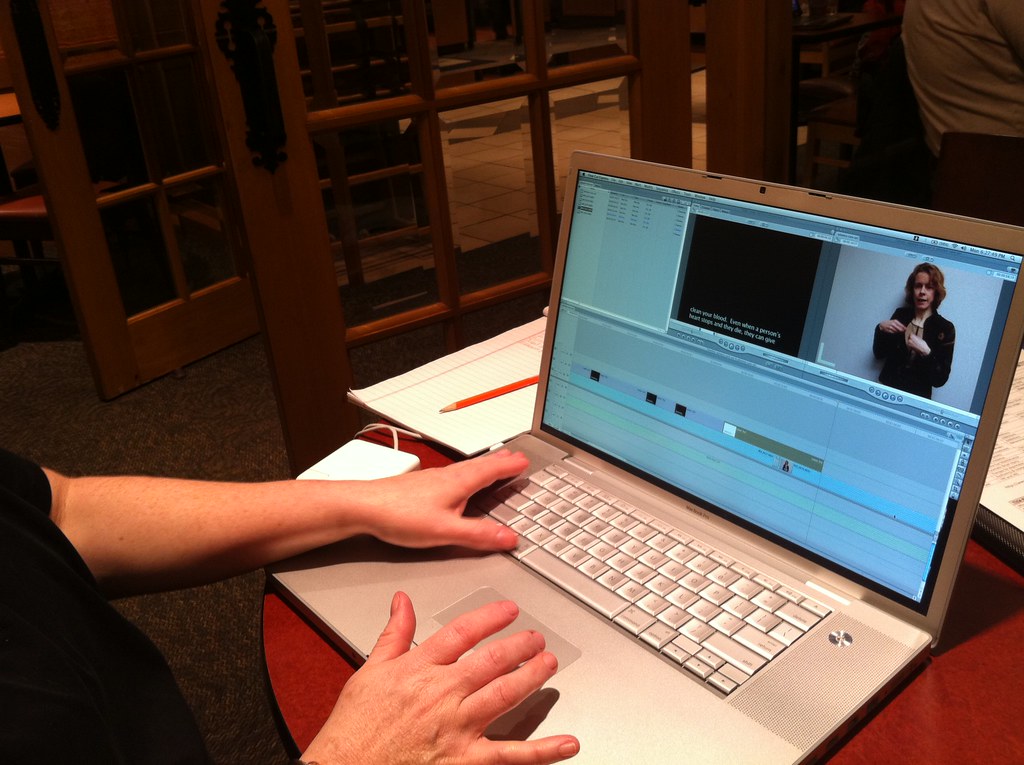
A laptop is exporting video. For the first thirty seconds or so the progress bar moves briskly and the fan is barely audible; after that the pace settles and stays flat to the end of the file. The short benchmark you ran yesterday on this very machine reported a figure that is not reached once now. Same machine, same file, same wall socket.
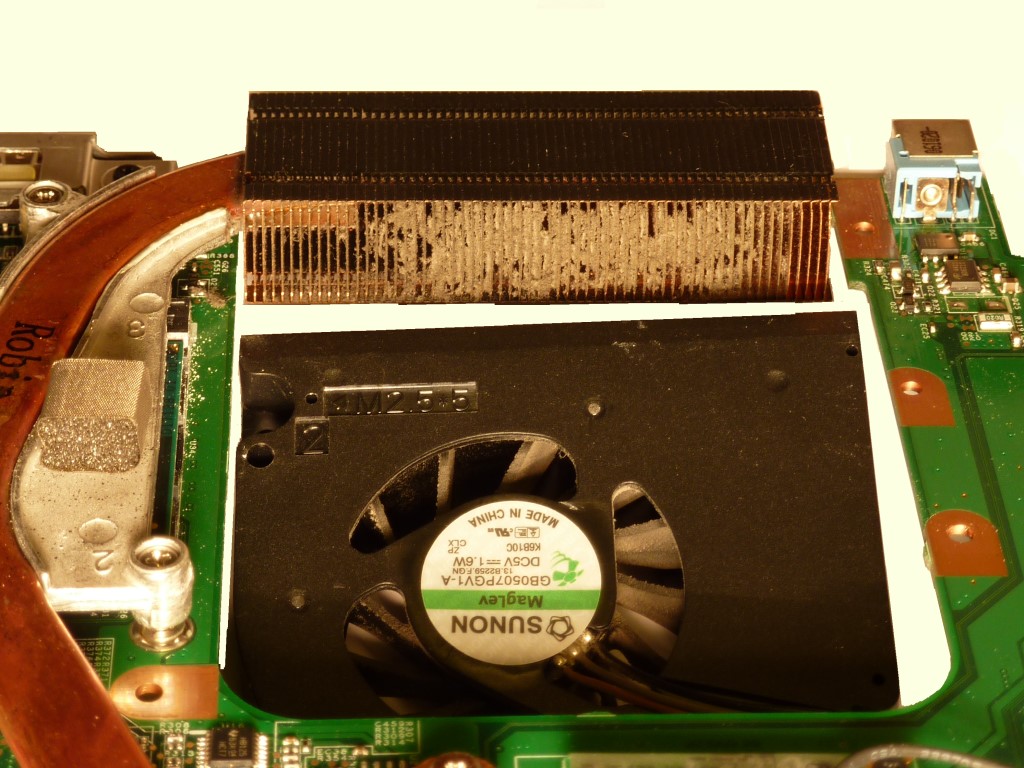
Overheating suggests itself: the die got hot, protection kicked in, the clock dropped. Hence the familiar advice — clean the heatsink, change the thermal paste, put the machine on a stand. The fan spinning up at exactly that moment seems to confirm the guess. In the processor's data sheet, though, the limit at work here is described separately from thermal protection, and it measures a completely different quantity.
The limit is measured in watts
Intel publishes a datasheet for every platform, and Volume 1 contains a section called Package Power Control. It sets out not one power limit but four, plus a time parameter. Two of them are mandatory for turbo to work, and they are described like this:
- Power Limit 1 (PL1) — “a threshold for average power that will not exceed - recommend to set to equal Processor Base Power”;
- Power Limit 2 (PL2) — “a threshold that if exceeded, the PL2 rapid power limiting algorithms will attempt to limit the spike above PL2”.
The first is a ceiling for average power, the second a ceiling for the spike. Neither clock speed nor degrees appear in those definitions. The processor counts watts.
Processor Base Power itself is not “consumption” either. Intel defines it as “the average power dissipation in junction temperature operating condition limit, for the SKU Segment and Configuration, for which the processor is validated during manufacturing when executing an associated Intel-specified high-complexity workload”. A bench figure, not one taken from your wall socket.
In the table of recommended values for mobile Core Ultra parts the interesting thing is not any single figure but the distance between two neighbouring columns:
| Segment and base power | PL1 | PL2 | PL1 Tau |
|---|---|---|---|
| H-series, 6P+8E, 45 W | 45 W | 115 W | 56 s |
| H-series, 6P+8E, 28 W | 28 W | 64 W | 28 s |
| U-series, 4P+8E, 15 W | 15 W | 57 W | 28 s |
| U4-series, 2P+8E, 9 W | 9 W | 30 W | 28 s |
Take the row for the 15 W U-series. 57 ÷ 15 = 3.8 — that is the factor by which the short-term ceiling exceeds the sustained one. A laptop listed in the specifications as a 15-watt machine has the right to draw almost four times as much in the first seconds, and those are the seconds you watch at the start of an export.
Nearby, in the same document, lies a formula with a quite different ratio: “The formula of PL2=PL1*1.25 is the hardware” default. The table of recommended values overrides it threefold. Both numbers are official. The distance between them shows how widely the maker of the chassis turns these knobs while staying inside the data sheet.
Tau is not a stopwatch
What brings the processor down from 57 W to 15 is the Tau parameter, and it is pictured wrongly almost every time — as a timer after which the boost switches off. The datasheet defines it differently: “an averaging constant used for PL1 exponential weighted moving average (EWMA) power calculation”.
The processor runs no countdown. It keeps a continuous rolling average of the power drawn, in which the weight of older samples decays exponentially over a characteristic time of Tau. While that average stays below PL1, holding PL2 is allowed. The longer the load lasts, the more the watts already spent weigh on the average — and the further the instantaneous power has to come down to keep the average under the ceiling. The fall comes out smooth rather than stepped, and it starts not on a particular second but as the history builds up.
The Turbo Time Parameter section says so outright: “During a maximum power turbo event, the processor could sustain PL2 for a duration longer than the Turbo Time Parameter.” So the 28 seconds in the table do not mean that everything ends on the 28th second. A note under the table states the consequence in one line: “the larger the Tau, the longer the PL2 duration”.
The range within which the parameter can be set at all runs from 0.1 second to 448. The hardware default is 1 second; the recommendation for everything under 45 W is 28. Work the upper bound out in minutes: 448 ÷ 60 ≈ 7.5. The characteristic averaging time stretches to seven and a half minutes or shrinks to a tenth of a second, on the same die and without leaving the specification.
Hence the gap between the benchmark and the work. A one-minute benchmark mostly fits inside the window where the average has not yet reached PL1; an hour-long render lives well beyond that window. Both results are true — they were taken on opposite sides of Tau.
Neither ceiling is an impenetrable wall. The data sheet calls PL1 “a time averaged-power, based upon the Turbo Time Parameter”, and adds beside it that “absolute product power may exceed the set limits for short durations”. For PL2 the allowance is given as a number: “for controllable turbo workloads, the PL2 limit may be exceeded for up to 10ms”. What is at stake is the management of an average, not a fuse that cuts the supply exactly at the mark.
What to look at on your own laptop
Find the Processor Base Power line in the specification of your processor — that is what Intel now calls what used to be labelled TDP. That number is the recommended PL1. Then start any monitoring program that shows package power in watts, and give the machine a long job: archiving a big folder, exporting a project, a full build.
Watch two fields at once — the power and the temperature.
If the first seconds show noticeably more watts than the figure in the specification, and a minute or two later the draw settles somewhere near it while the temperature stays under 110 °C, you have just watched the move from PL2 down to PL1. If the power falls at the same moment the temperature runs into its ceiling, thermal protection is what is working, and cleaning the heatsink really will change something.
Power profiles in the maker's own utility give a second cut of the same thing. The mechanism behind them is called Assured Power (cTDP) in the datasheet, and changes to it, as it says there, “typically involve changes to PL1 and associated frequencies”, and need no reboot. Switch profiles under the same load and watch where the steady watt level moves to: that will be your new PL1.
Nothing happens straight away. After limits are changed on the fly the algorithm needs, by the data sheet, roughly three to five Turbo Time Parameters to reach the new bounds.
A recommendation, not a rule
That table binds nobody. A separate line underneath it reads: “No Specifications for Min/Max PL1/PL2 values”. The watts are set by whoever builds the chassis, and for the very same 15 W U-series the document provides for configurations from 12 to 28 W. The name of the processor in a laptop's specification fixes none of the numbers in this article.
The sources this article was written from
- Definitions of PL1, PL2, Processor Base Power and the Turbo Time Parameter, the allowances for exceeding the limits, and the description of cTDP; verbatim: «a threshold for average power that will not exceed - recommend to set to equal Processor Base Power», «a threshold that if exceeded, the PL2 rapid power limiting algorithms will attempt to limit the spike above PL2», «the average power dissipation in junction temperature operating condition limit, for the SKU Segment and Configuration, for which the processor is validated during manufacturing when executing an associated Intel-specified high-complexity workload», «an averaging constant used for PL1 exponential weighted moving average (EWMA) power calculation», «During a maximum power turbo event, the processor could sustain PL2 for a duration longer than the Turbo Time Parameter», «a time averaged-power, based upon the Turbo Time Parameter», «absolute product power may exceed the set limits for short durations», «for controllable turbo workloads, the PL2 limit may be exceeded for up to 10ms», «approximately 3 to 5 times the 'Turbo Time Parameter'», «typically involve changes to PL1 and associated frequencies»
Intel® Core™ Ultra Processor Datasheet, Volume 1 of 2 (ID 792044), Package Power Control section — https://edc.intel.com/content/www/us/en/design/products/platforms/details/meteor-lake-u-p/core-ultra-processor-datasheet-volume-1-of-2/package-power-control/ - Recommended PL1, PL2 and Tau values for the U- and H-series, the Tau range from 0.1 to 448 s against a hardware value of 1 s, the 15 W U-series configurations from 12 to 28 W, and the Tj limit; verbatim: «The formula of PL2=PL1*1.25 is the hardware», «the larger the Tau, the longer the PL2 duration», «No Specifications for Min/Max PL1/PL2 values»
Intel® Core™ Ultra Processor Datasheet, Volume 1 of 2 (ID 792044), Thermal and Power Specifications section — https://edc.intel.com/content/www/us/en/design/products/platforms/details/meteor-lake-u-p/core-ultra-processor-datasheet-volume-1-of-2/thermal-and-power-specifications/