Why does the sound in wireless headphones lag behind the picture?
The delay is assembled out of three links: encoding, time on air, and the buffer inside the headphones themselves. The Bluetooth profile names those links but sets no end-to-end figure at all — the manufacturer writes that in, and LE Audio is the first to put the components into a table.
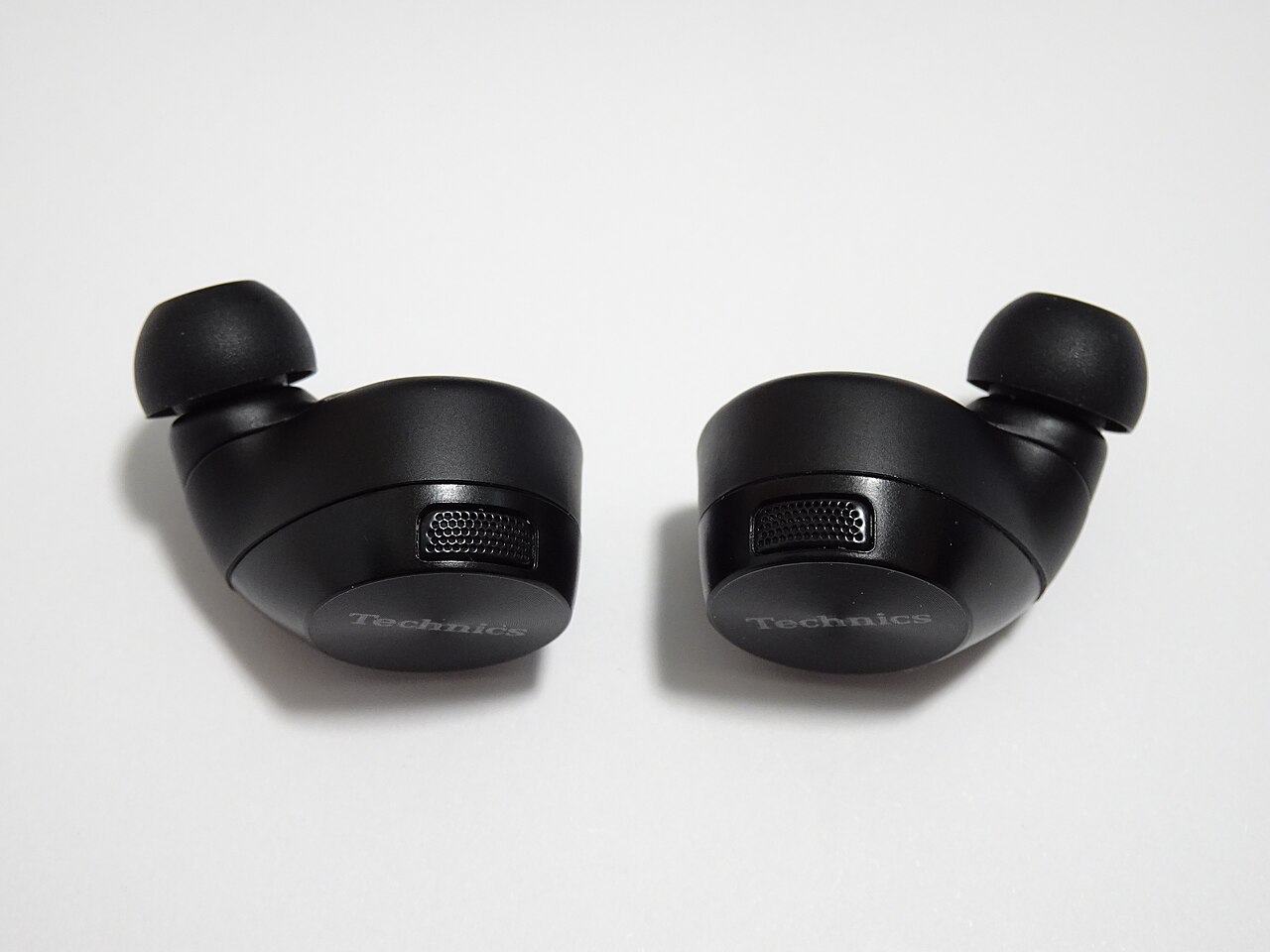
You are watching a clip on your phone with wireless earbuds in, and the lips on screen move before the words reach you. Pull the earbuds out, switch to the speaker, and the mismatch disappears. A game does the same thing, only more visibly: the shot is seen, the sound arrives behind it, and the correction has to be kept in your head. Somewhere in a television menu there also lives an audio delay slider, and somebody put it there for a reason.
The guess that offers itself first blames a weak signal or an old Bluetooth version, and expects newer earbuds with a newer codec to cure it. A second guess is gentler: the delay is real, but it is constant, so it is enough to measure it once and compensate. Both rest on the assumption that the number of milliseconds is written down somewhere in the standard. It is not.
The profile names the links and never names their total
Advanced Audio Distribution Profile is the profile stereo audio rides to a pair of headphones on; the edition in force, v1.4.1, is dated 30 June 2025. Section 2.3 sets out where the delay comes from and, in the same breath, whose problem it is: «There exists certain delay between the SRC and the SNK because of radio signal processing, data buffering, and encode/decode of the stream data. Countering the effects of such delays depends on implementation.» A figure appears nowhere in the document — no upper bound, no recommended value, no measurement method.
Instead of a number the profile built a channel for carrying one. That is the Delay Report procedure in the AVDTP transport protocol: the sink tells the source how late it runs, so that the source can shift the video. One sentence describes the whole field — «The delay value is given by a two byte value in 1/10 milliseconds.»
Resolution, a tenth of a millisecond. Width, two bytes. The largest value that fits is 65535 ÷ 10 = 6553.5 ms, so the protocol reserved room for six and a half seconds of headphone delay. Not a forecast and not a typical value: it is what the designers thought worth accommodating.
Table 5.3 of A2DP makes the initiator role for delay reporting mandatory for the sink (M) and the acceptor role in the source optional (O). Headphones are obliged to say how late they are. The phone is not obliged to listen. Hence one and the same pair being in sync with one device and out of sync with the next: a mechanism for agreeing on the figure exists, but only one end of it is required to work.
How much the encoding alone adds
The encoding link can be worked out from parameters the profile itself recommends. For SBC, the mandatory codec, table 4.7 gives recommended encoder settings, and among them a block length of 16 at 8 subbands. One SBC frame therefore covers 16 × 8 = 128 samples. At 44.1 kHz — a sampling rate the sink decoder is required by the profile to support — such a frame lasts 128 ÷ 44100 = 0.0029 seconds, which is 2.9 ms.
An encoder cannot release a frame until all 128 samples are in.
LE Audio is the first to bring this quantity into the running text. The LC3 codec specification has a parameter named Total Codec Algorithmic Delay — the frame duration plus the lookahead the MDCT transform needs. Table 3.1 gives both configurations: at a 10 ms frame the lookahead takes 2.5 ms, 12.5 ms together; at a 7.5 ms frame the lookahead grows to 4 ms, 11.5 ms together.
The direction is counter-intuitive here: the shorter frame demands more lookahead and still comes out ahead on the sum. What it wins is exactly one millisecond, paid for in bitrate, because a shorter frame carries more overhead per second of audio.
Reliability on air is paid for in time
Next the frame has to be delivered. Basic Audio Profile carries table 5.2 with ready-made sets of quality-of-service parameters, and the codec configuration 16_2 — LC3, 16 kHz, a 10 ms frame — appears in it twice. What matters are the two middle columns: how many times the host recommends the controller repeat a packet, and how much time is allowed for delivery.
| Set | Retransmission_Number | Max_Transport_Latency | Presentation_Delay |
|---|---|---|---|
16_2_1 — low latency | 2 | 10 ms | 40 000 µs |
16_2_2 — high reliability | 13 | 95 ms | 40 000 µs |
Same codec, same bitrate, same headphones. All that differs is the number of repeats, 2 against 13, and every repeat costs time on air. The ceiling on that time climbs from 10 ms to 95 ms. Almost tenfold.
Column three is the buffer on the sink side. Section 7 describes it as the time between the synchronisation reference point and the start of playback of a frame, and into that value go, verbatim, «processing time for internal transports, codec processing, ADC/DAC delays, application-specific audio processing». So it is not idle waiting but the entire allowance for whatever the headphones do internally. Every row of both sets puts 40 000 µs there — 40 ms.
Section 7.2 states outright that total system delay is the sum of three terms: audio processing at the source, delivery time, and the buffer at the sink. Two of them come straight off the table: 95 + 40 = 135 ms for the reliable set against 10 + 40 = 50 ms for the quick one. The first term the specification names but does not constrain — all it says is that the term depends on the particular implementation. That is where the «tens of milliseconds» come from and why they wander so widely: not from the quality of the radio link, but from which row of the table a manufacturer chose and how much it loaded into that unconstrained first term.
What is visible today
The most accessible check sits in the Android developer settings, in the Bluetooth audio codec item. It shows which codec and which sampling rate are negotiated right now. Switching there changes only the encoding link; the air and the sink buffer stay untouched, which is precisely why swapping the codec moves the mismatch less than people expect of it.
Second comes the audio delay slider on a television or a player. Look past its current position to its range: the range shows the bounds the manufacturer planned for.
Third, if the headphones claim LE Audio, look for the LC3 frame duration in the description. A figure of 7.5 ms instead of 10 ms means a configuration with the lower codec algorithmic delay was chosen — that same one-millisecond difference out of table 3.1.
The profile describes a link, not your headphones
All these numbers are ceilings and negotiation parameters rather than a passport for your particular pair. Max_Transport_Latency says how much time on air a device is allowed to request, not how much will actually be spent; Presentation_Delay says how much the sink asked for, not how much it really buffers. As for the end-to-end delay — from the frame on screen to the sound in the ear — none of the four documents names it. The sentence about depending on the implementation still stands in the current edition of the profile, and that is a decision, not an omission.
The sources this article was written from
- A2DP: the delay exists, and countering it is left to the implementation. Verbatim: «There exists certain delay between the SRC and the SNK because of radio signal processing, data buffering, and encode/decode of the stream data. Countering the effects of such delays depends on implementation.»
Bluetooth Advanced Audio Distribution Profile 1.4.1, §2.3 — https://www.bluetooth.com/specifications/specs/advanced-audio-distribution-profile/ - AVDTP: the delay report is two bytes in units of 1/10 millisecond. Verbatim: «The delay value is given by a two byte value in 1/10 milliseconds.»
Bluetooth A/V Distribution Transport Protocol 1.3, §8.19.1 — https://www.bluetooth.com/specifications/specs/a-v-distribution-transport-protocol-1-3/ - LC3: total codec algorithmic delay of 12.5 and 11.5 ms
Bluetooth LC3 Specification 1.0.1, §2.1 and table 3.1 — https://www.bluetooth.com/specifications/specs/low-complexity-communication-codec-1-0-1/ - BAP: the QoS table and the three terms of total system delay; Presentation_Delay covers, verbatim, «processing time for internal transports, codec processing, ADC/DAC delays, application-specific audio processing»
Bluetooth Basic Audio Profile 1.0.3, table 5.2 and §7.2 — https://www.bluetooth.com/specifications/specs/basic-audio-profile-1-0-3/