Why does 3D printing filament have to be kept dry?
Plastic pulls water out of the air, and in a hot nozzle that water boils and tears the melt apart from the inside. Hence the crackling, the fine strings, the part that splits along a layer. Manufacturers print both a drying temperature and a humidity limit, and those numbers show why a spool dried yesterday is ruined by today.
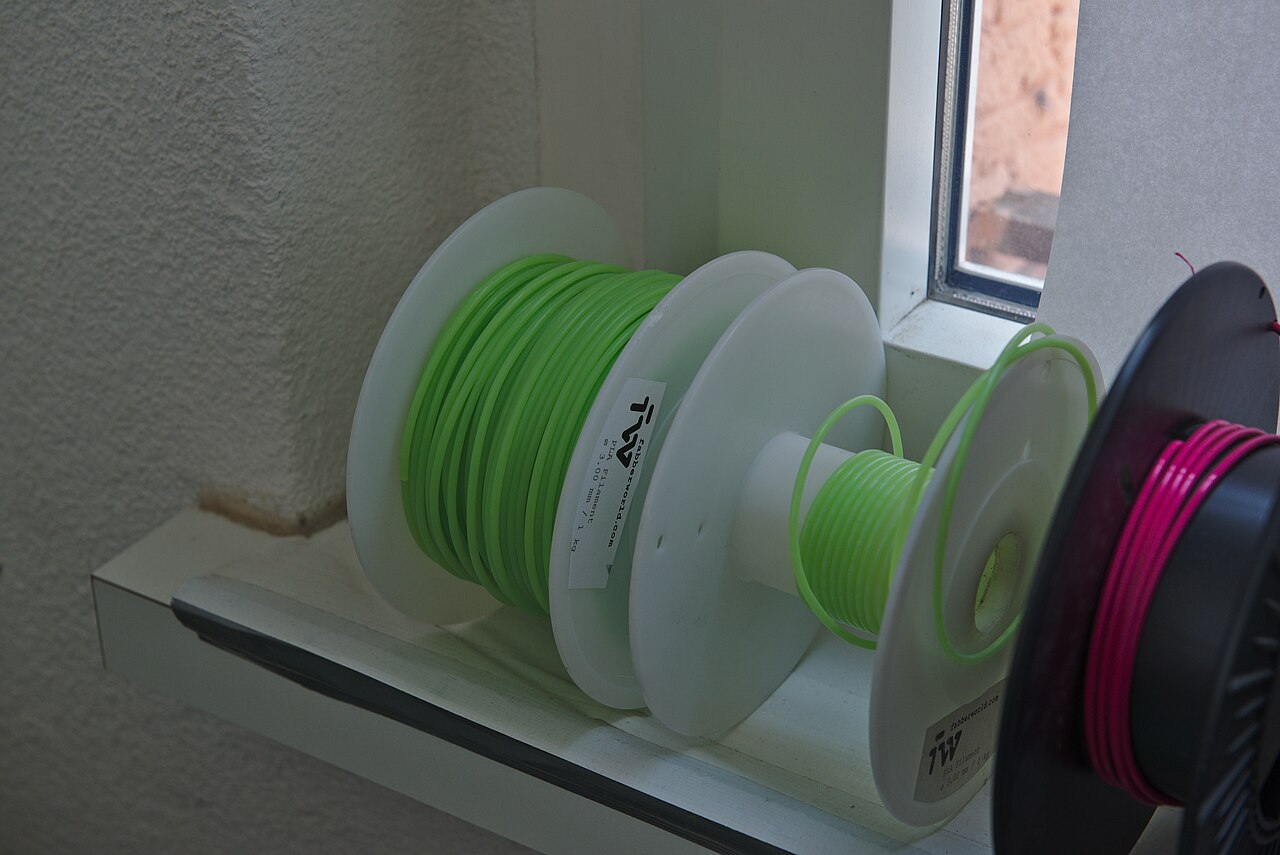
A spool of plastic has been sitting on the 3D printer for a second week. Everything came out clean until today; now the printer crackles — short, dry snaps, as though something small were bursting inside it. The part comes out rough, fine strings run between its walls, and the finished thing breaks along a layer under a load it held yesterday.
The first thought is a bad batch. The second is the printer. Neither happened — the filament simply took up water from the air in the room.
What happens inside the nozzle
Printing plastic is hygroscopic. It draws moisture out of the air in much the way salt does in a salt cellar, and the water goes into the filament along its whole length. While the filament is cold, the water just sits there.
Then the filament enters the heater block, and the rest happens in fractions of a second.
The nozzle is heated past two hundred degrees: PLA prints at 190–230 °C, ABS at 245–265 °C, carbon-filled nylon at 280–300 °C. Water does not slowly evaporate at those temperatures. It boils, and it does so in a closed space the width of a hair.
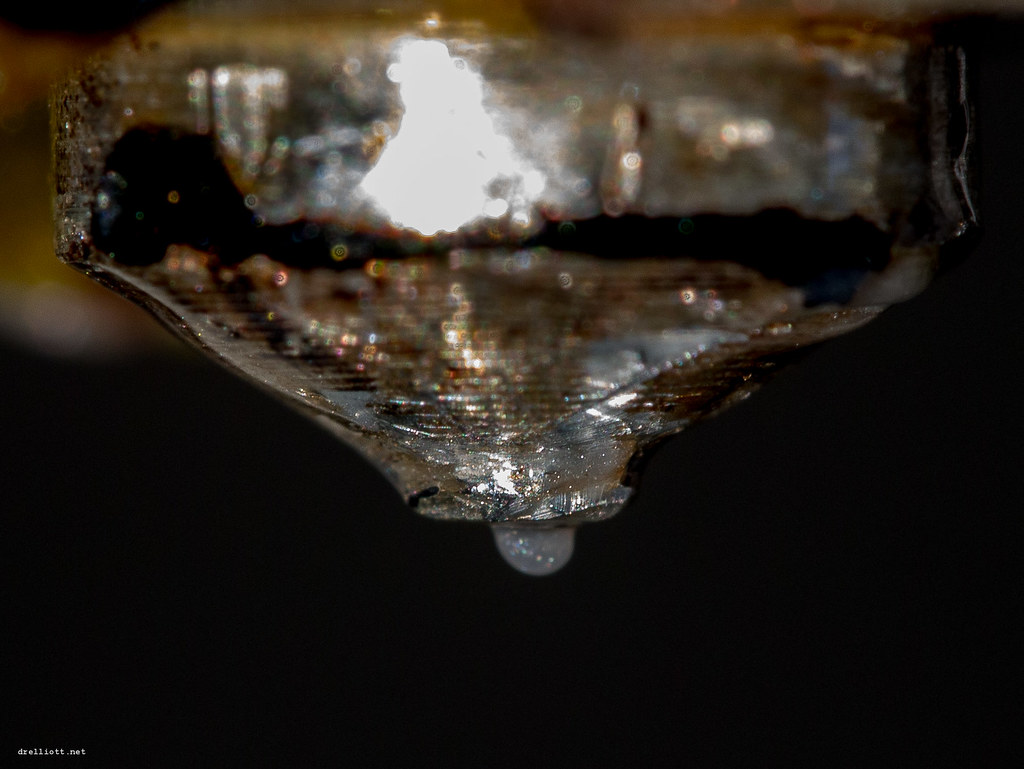
Steam tears the melt apart from within. What leaves the nozzle is no longer an even thread but a thread full of bubbles, and it is the bubbles that pop — that is the sound you hear. Polymaker describes it in exactly those terms: over-wet filament pops and crackles as it feeds.
How it shows on the part
Bambu Lab lists what appears on the model: strings between walls, blobs, holes in the surface. Strength drops, separately. Prusa adds the order in which it arrives: the surface goes first, and only after that come poor layer adhesion and beads on the model.
Surface quality warns you well before the part starts breaking in your hands. A rough top on the model is already a signal, then, and not a detail.
How long filament stays dry
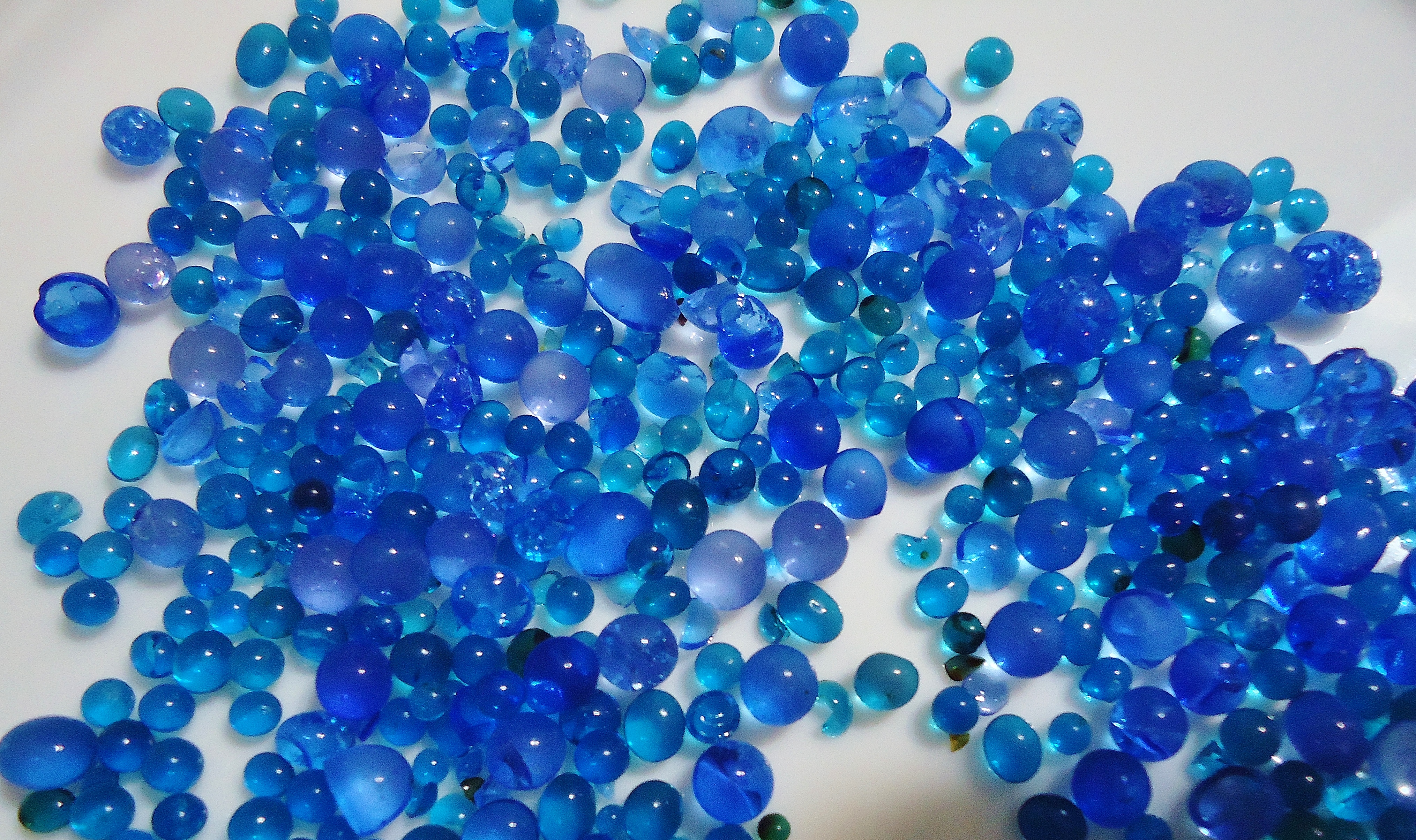
Household humidity sits somewhere between 45 and 65 per cent. Inside a sealed box with silica gel it is under twenty, and even there the filament stays usable for two to seven days.
At 55 per cent in the room, a freshly dried spool takes up enough water to spoil a print within two to twelve hours.
Two hours.
This is where the feeling that drying "does not work" comes from. The spool was dried in the evening, left open on the printer, and by morning it crackles again. Drying preserves nothing — it zeroes a counter, and the counter starts running from that same minute.
How much water plastic will hold at all is there in the data sheet for carbon-filled nylon: 3.3 % of its mass. On a one-kilogram spool that is thirty-odd grams. About a shot glass of water, inside a material that leaves the nozzle as a thread a quarter of a millimetre across.
Sensitivity differs from material to material. Prusa gathers its storage limits in one place: PLA is kept below 30 % humidity, briefly up to 40; PETG and flexible TPU below 20 %; ASA below 30 %, and better below 10 %. Polymaker is shorter about its nylons: dry storage only, below 20 %.
One dryer setting for every plastic will not do
A mistake here costs you the spool. Choosing a convenient setting and drying everything with it is the simplest way to pull a fused lump out of the dryer.
The reason is that every plastic has a temperature at which it starts to soften. You have to dry hot enough for the water to leave and cool enough for the filament not to slump. Polymaker's data sheets are convenient because they put both numbers side by side:
| Material | Drying | Softens from |
|---|---|---|
| PolyLite PLA | 55 °C, 6 h | 61 °C |
| PolyLite PETG | 65 °C, 6 h | 81 °C |
| PolyLite ABS | 70 °C, 6 h | 101 °C |
| PolyMide CoPA (nylon) | 100 °C, 8 h | 66 °C |
What to read is the gap between the two right-hand columns: that is the margin you have to hit. In PLA it is the narrowest — six degrees. Which is why nobody dries PLA "a bit hotter to be sure": a dryer that overshoots by ten will weld the spool into one piece.
The last row breaks the rule. Nylon is dried at a hundred degrees, above the temperature at which it starts to soften, and Polymaker writes that setting into the data sheet. Why this is permissible, the sheet does not explain. It is the case where you take the number from the document rather than derive it from a general argument.
And one more thing: different manufacturers do not agree on the numbers. Prusa recommends 45 °C for its own PLA, Polymaker 55 °C for its own. Both are right, each about its own filament.
Three checks that cost nothing
Listen to the printer during solid infill, where the feed rate is highest. The crackling is audible before the defect becomes visible.
Look at the top solid surface under a light coming from the side. Small craters and roughness are the same thing Prusa calls the first sign.
Put a hygrometer beside the printer. It costs about half a spool and gives you a number you can work with: 55 % in the room means an open spool lives for hours, not weeks.
Where moisture is not the culprit
Moisture explains far from everything. A part cracks along layer boundaries because of a draught as well, and because of a nozzle temperature set too low, while roughness also comes from a worn nozzle. Drying gets checked first because it is the cheapest item on that list. Being cheapest does not make it the default diagnosis.
The sources have a limit of their own. Polymaker states a storage humidity ceiling only in its nylon data sheets; for PLA, PETG and ABS no such number appears in their sheets at all. The Prusa table closes that gap, but only for Prusa filament. So a universal answer to "at what humidity can an open spool of PLA be kept" may simply not exist — and then the number comes from the data sheet of the filament standing on your printer.
The sources this article was written from
- Polymaker filament technical data sheets — drying temperature, glass transition temperature, storage conditions
Polymaker Technical Data Sheets — https://wiki.polymaker.com/polymaker-products/more-about-our-products/documents/technical-data-sheets - Polymaker, Moisture conditioning — the signs of over-wet filament and the description of the sound
Polymaker Wiki — https://wiki.polymaker.com/printing-tips/post-processing/moisture-conditioning - Bambu Lab Wiki, Dry Filament — the mechanism and how fast moisture is taken up
Bambu Lab Wiki — https://wiki.bambulab.com/en/filament-acc/filament/dry-filament - Prusa Knowledge Base, Drying filament — drying temperatures by material
Prusa Research — https://help.prusa3d.com/article/drying-filament_332086 - Prusa Knowledge Base, Prusa USS Drybox — storage humidity limits by material
Prusa Research — https://help.prusa3d.com/article/prusa-uss-drybox_1014382